From workshop or webinar registration to replay: confirmation, reminders and replay all go out by themselves

About this service
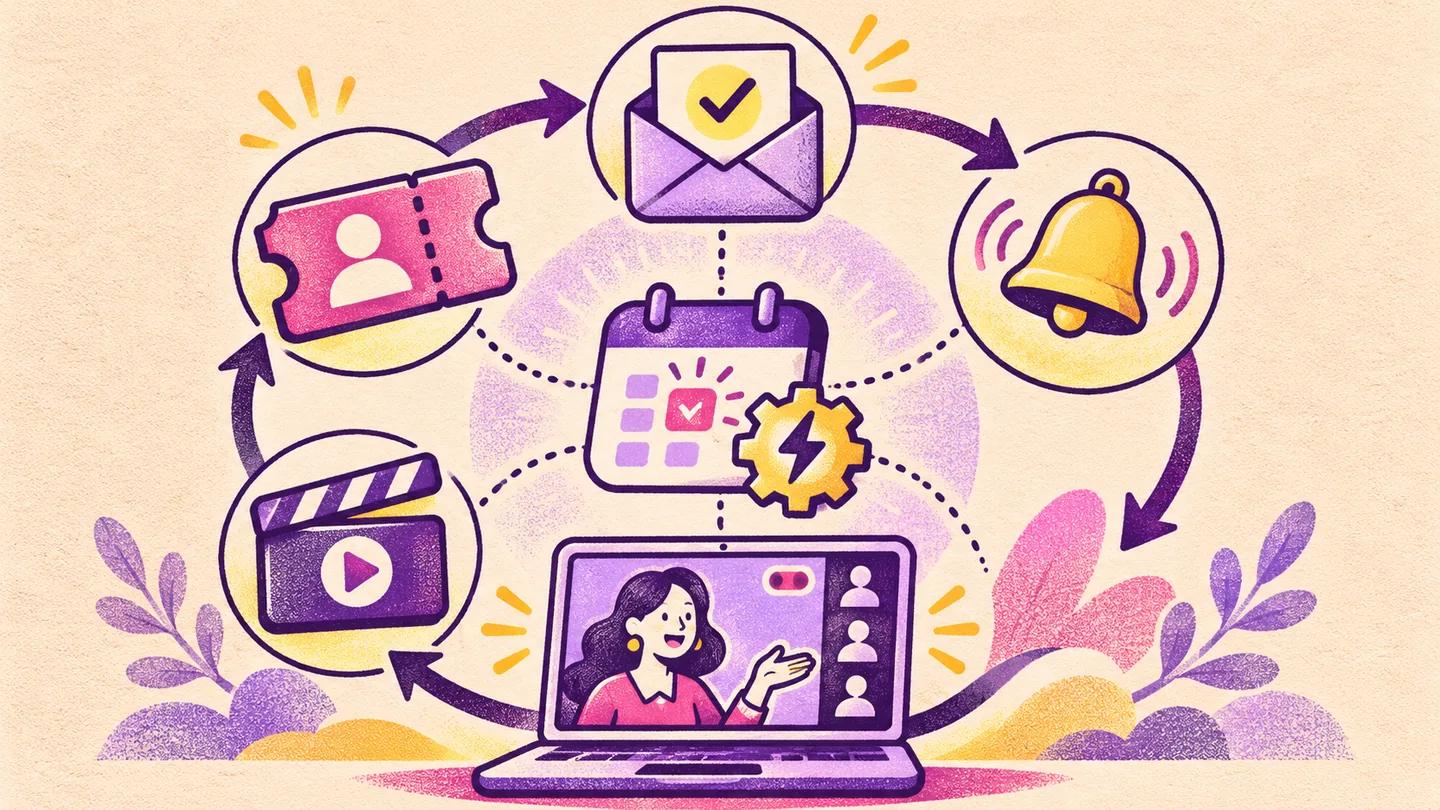
The moment someone registers for a workshop or webinar, a confirmation and join link, reminders before the start, and a replay at the end all go out by themselves. We set it up in your name with n8n. From the moment a name lands in the form, there is manual work: sending the Zoom link, a "tomorrow's session" message the night before, another in the morning, and the replay at the end. If a hundred people register, this becomes a part-time job, and on the day a mistake happens, people forget. At Learning Bangladesh we have run about thirty live workshops ourselves: two-hour Zoom sessions at 8 pm, with tickets at ৳499 to ৳999. The sequence was built there. ◆ What we do We start from wherever registration happens: a Google Form, a website form, a landing page or a payment sheet. When someone registers, n8n picks it up. The name and number are saved in a Google Sheet, and a confirmation with the date, time and join link goes out right away. Reminders go the day before, in the morning, and one hour before the start. When you put the recording link in the sheet, the replay goes to everyone, with different wording for those who didn't come. We draft the Bangla of the messages and you fix it. They go in your name, from your number or email. ◆ Three packages Basic: the whole sequence for one workshop, on one channel. Standard: a template for running again and again. Put a new date in the sheet and the next workshop runs by itself. Two channels, and a separate replay for those who did not come, by matching Zoom's attendance report. Premium: registration the moment payment is confirmed, an individual link for each person in Zoom, calendar invites, a three-step follow-up after the session, and a dashboard. ◆ Who it is for People who run at least one live session a month: trainers, coaches, course sellers. Companies that run webinars. NGOs or training institutions that run batches. It also works for offline seminars, where a venue map goes out in place of the replay. Not for: one or two webinars a year with fewer than thirty registrations. Doing it by hand is cheaper. If you don't have a form or landing page, you will need that first. Our landing page design gig is for that. ◆ What we should say honestly This gig handles the part after registration. Bringing people to the webinar is not its job. We don't promise that everyone will come once reminders go out. Even in our own workshops, a share of the people who register do not come live, which is exactly why the replay message is the most useful step. The channel rules are not in our hands. To send automatic reminders on WhatsApp, you need Meta's WhatsApp Business API and approved templates. On Messenger, the 24-hour rule blocks the next day's reminder, so we don't use it. n8n, the SMS gateway, the WhatsApp API, Zoom and the email service are all in your own name and outside our fee. This is deliberate, so that even if you stop working with us tomorrow, the system stays in your hands. ◆ How it goes After the order, a short checklist in the first message: where is the form, which channel, which Zoom plan. Then we write the message drafts and timeline and show you. Once you say it is right, we start building. A test run on your number, and a handover on a screen share, after which you can put in the date and link for the next workshop yourself.