Gmail-Sheet-Drive automation: invoices go to Drive automatically, labeled emails go to a sheet, client folders are created automatically
About this service
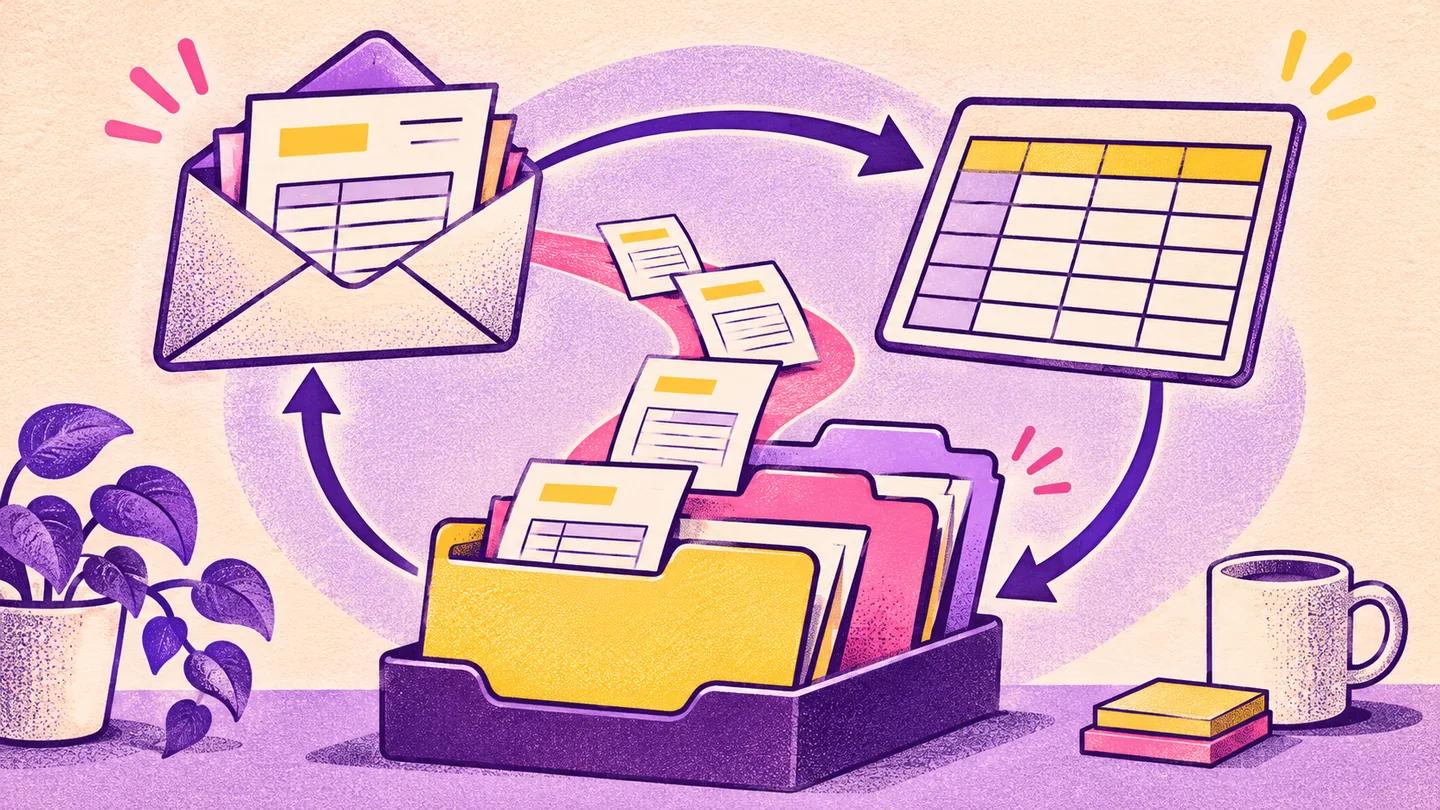
Invoices that arrive in Gmail land by themselves in the right Google Drive folder, labeled emails become rows in a Google Sheet, and a new client's folder is created on its own. At the end of the month, the accounts person asks, "Where is that vendor's invoice?" The answer: somewhere in the inbox. Then half an hour of searching, downloading and uploading to Drive again. The same work by the same hands every month. This service hands that over to a workflow, within a few minutes of the email arriving. ◆ What we do Three pipelines, built with n8n. One, invoice filing: when a PDF invoice or receipt arrives by email, the file is saved in Drive in a folder by month and vendor, renamed in a style like "2026-09_Vendor", and a row is added to the sheet with the date, sender, subject and file link. In "Three" and "Team", AI also reads the file and puts the amount in the sheet. Two, label to sheet: any email you give a label such as "Lead", "Order" or "Complaint", whether today's or an old one, goes into the sheet within a few minutes (within half an hour on the smallest n8n Cloud plan). Three, auto-folder: write a new client's row in the sheet and tick the "Create" cell, and within a few minutes a folder set is created for them in Drive (proposal, contract, deliverables, invoices), the same way every time. ◆ Three packages One: any one of the three pipelines, on one inbox, without AI. Three: all three, on one inbox. AI reads the vendor, amount and date from invoices and puts them in the sheet (if it cannot read one, it writes "Needs checking" and does not guess). Up to five labels, and it catches the same invoice if it arrives twice. Team: everything in "Three", on the inboxes of up to five team members and up to twenty labels. It adds access control for who on the team sees what in client folders, routing of which error goes to whom, and a monthly summary tab. A Shared Drive needs a paid Google Workspace account. If you don't have one, we set up the same rules in an ordinary shared folder. ◆ How much door we open, and what you need The door rule comes from Chapter 10 of Sabbir Ahmed's book "My Agentic AI Journey": reading is fine any time, creating new files is fine, deleting never, and sending needs a human signature. A workflow has no human signature, so we leave out any step that sends email or deletes files. For Gmail we ask only for read permission. You apply the labels, and the workflow only reads. But Google does not offer a separate "can create, cannot delete" permission for Drive and Sheets, so the connect page will also mention deleting. That wording looks bigger than what we actually do, which is why at handover we open up every step of the workflow and show you. You can withdraw the permission from your own Google account any day. To run, you need an n8n, and for "Three" and "Team", an AI API key for reading invoices. Running n8n on your own small server costs a few dollars a month. n8n Cloud has no free plan. The smallest plan, if taken for a full year, is 20 euros a month, which is about the price of the "One" package, every month. That plan includes 2,500 runs a month, and label-to-sheet spends one run on every label check, even when it finds nothing. So labels are checked every half hour there. If you want a check every few minutes, you need a bigger plan or your own server. The AI bill is by usage, and for 100 invoices a month it is usually under a few dollars. The n8n Cloud and AI bills are charged in foreign currency, so you need a card enabled for international transactions. All of this is outside our fee and in your own name. This is deliberate, so that even if you stop working with us tomorrow, the pipeline stays in your hands. ◆ Who it is for People who get around twenty or more invoices and receipts by email a month: agencies, trading or import businesses, NGO project offices, consultants who must keep files by client, and small teams where one person's inbox is the office's file cabinet. ◆ What we should say honestly This is filing and tracking, not accounting. AI sometimes misreads invoice amounts, especially on blurry scans. So there is a "Check" column next to the amount, and a glance at the end of the month is your job. An invoice that arrives not as a file but as a link, where you have to log in to the vendor's portal to download it, cannot be downloaded by the workflow. For a known vendor's email like that, a row is added to the sheet saying "Download by hand". And adding automation to a messy Drive just collects messy files, so the first step is less glamorous: fixing the folder rules. ◆ How it goes After the order, we first write the vendor-and-label list, the sheet columns and the folder rules on one page and show you. We start building only when you say it is right. Then on a screen share we connect your accounts (no Google password is needed, you give the permission yourself), test with real emails, and show you where to add a new vendor or label, so you can run it without us later. For the connection, we create the Google-side app in your Google account and keep it "In production". If left in "Testing", Google cuts the connection every seven days. When you connect, Google may show a warning like "This app isn't verified". That is normal because the app is your own, and we get past it together on the screen share.