Let clients step inside the designbefore you finalise it
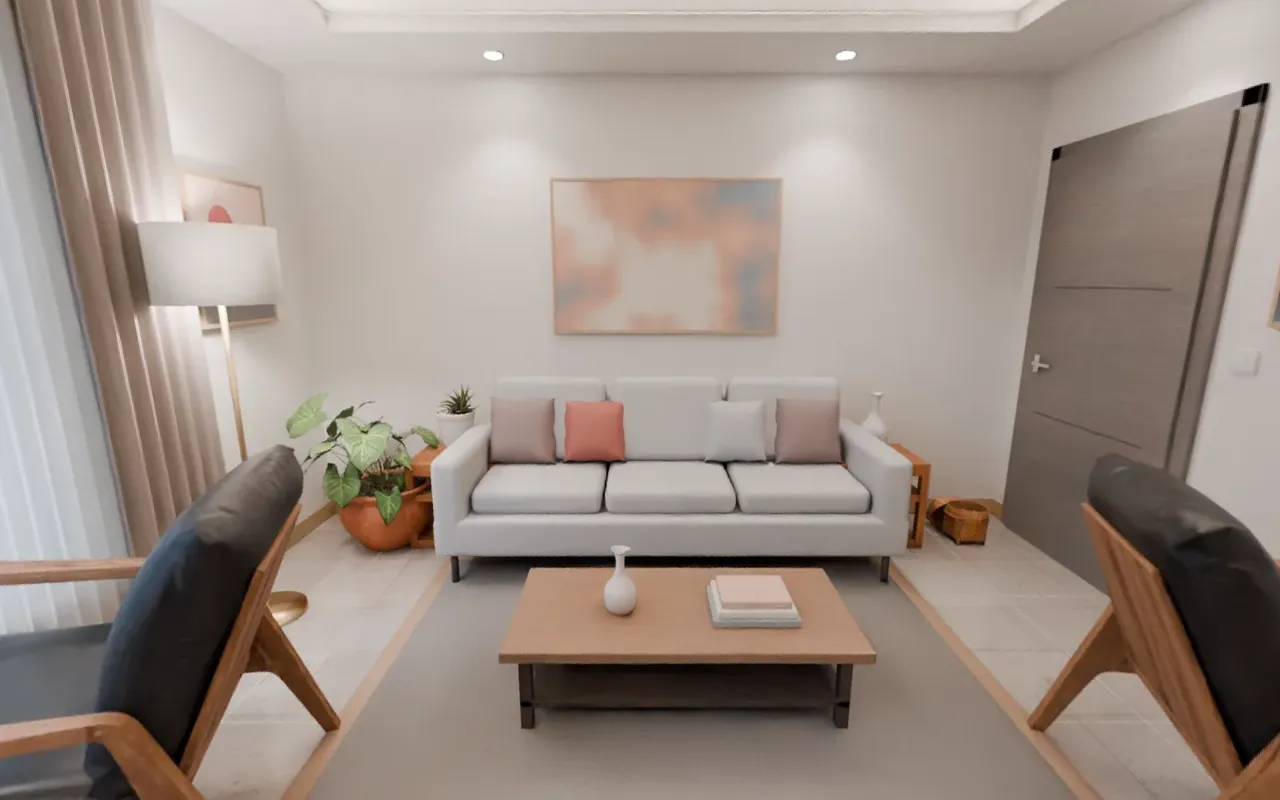
Our team built this room. It is not a picture: look around it yourself.
We turn your 3D design into a 360 tour of each room. Clients look around on their own phone and switch floors and colours. We are also taking pilots for full-scale viewing in the empty flat.
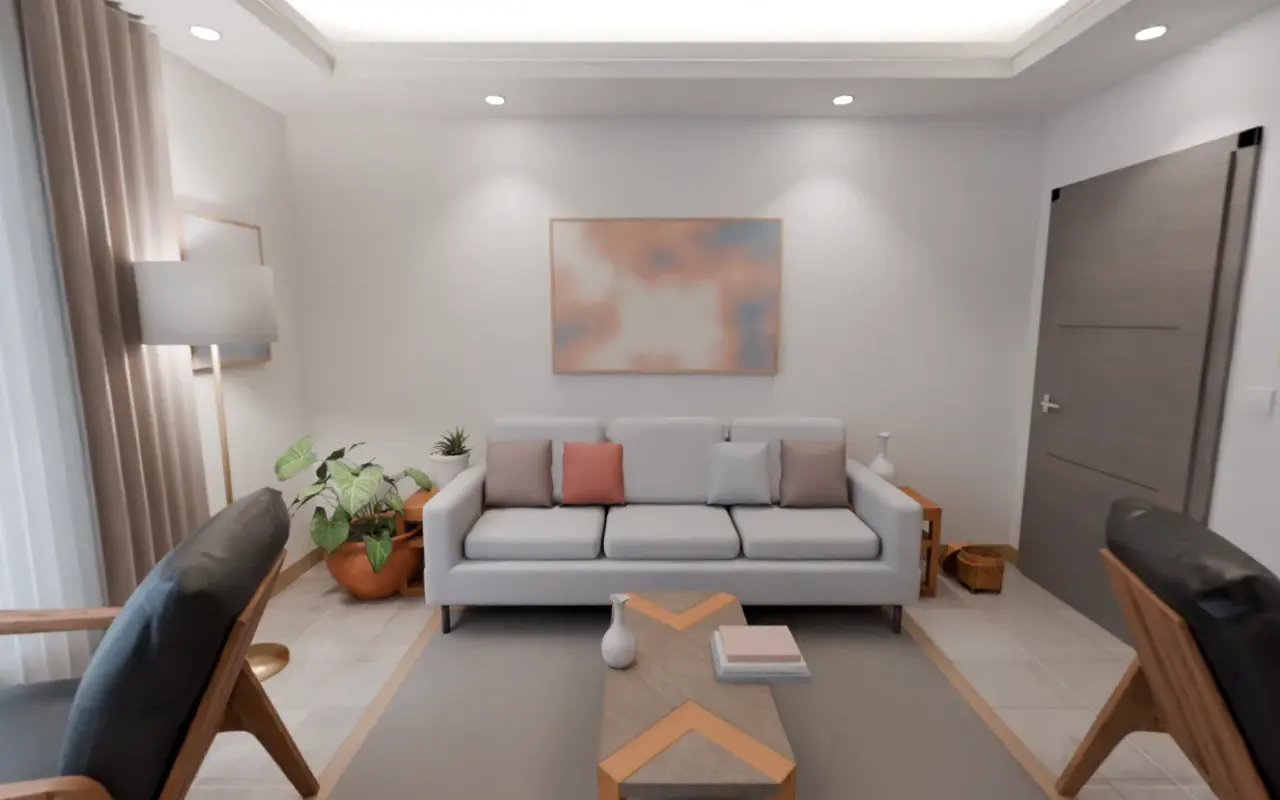
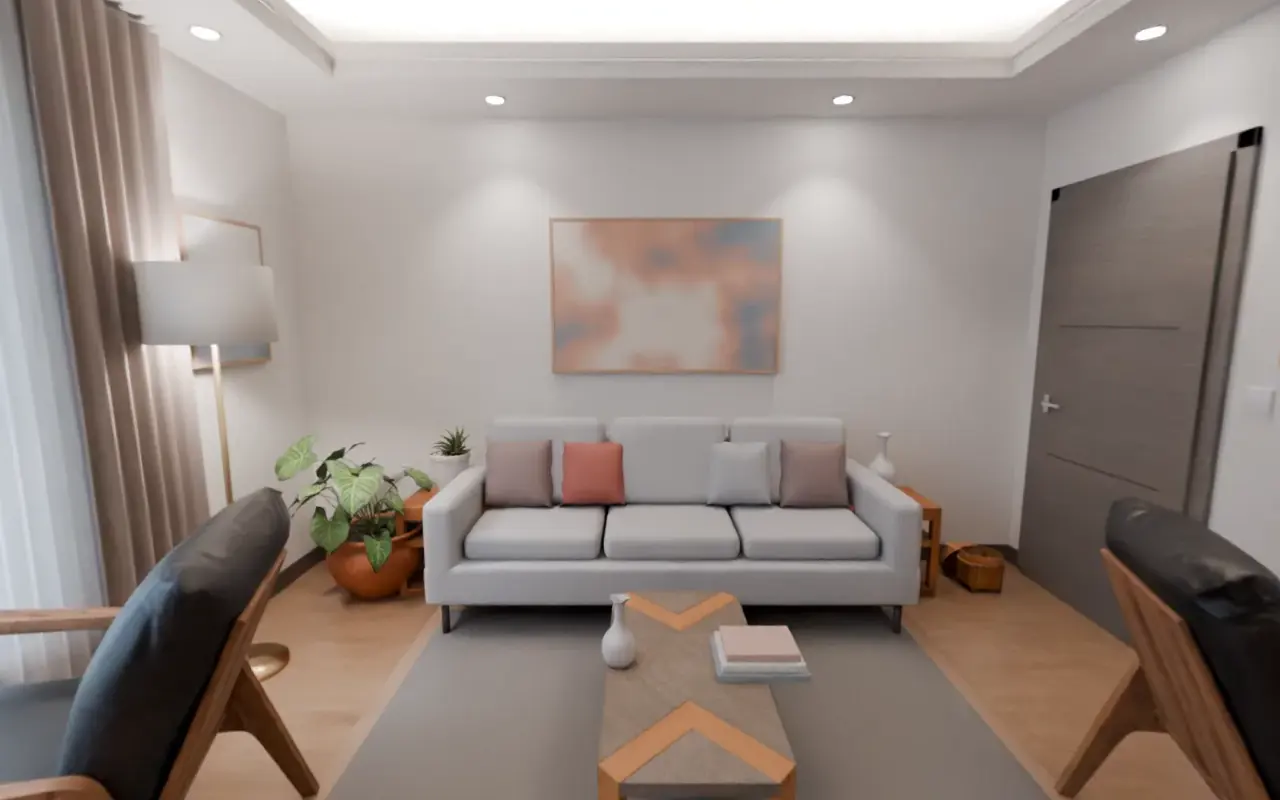
Switch the floor in this room. This is how your client will choose between options.
The problem
A render is one picture from one angle. How much space the cabinet takes, how low the false ceiling sits, whether the wardrobe door hits the bed when it opens: a picture cannot show that. Standing inside the room does.
Design in the empty flat, at real size
Turn the kitchen and wardrobe around in 3D on the phone, change the finish, check the measurements. In a headset, stand in the empty room and see it at real size.
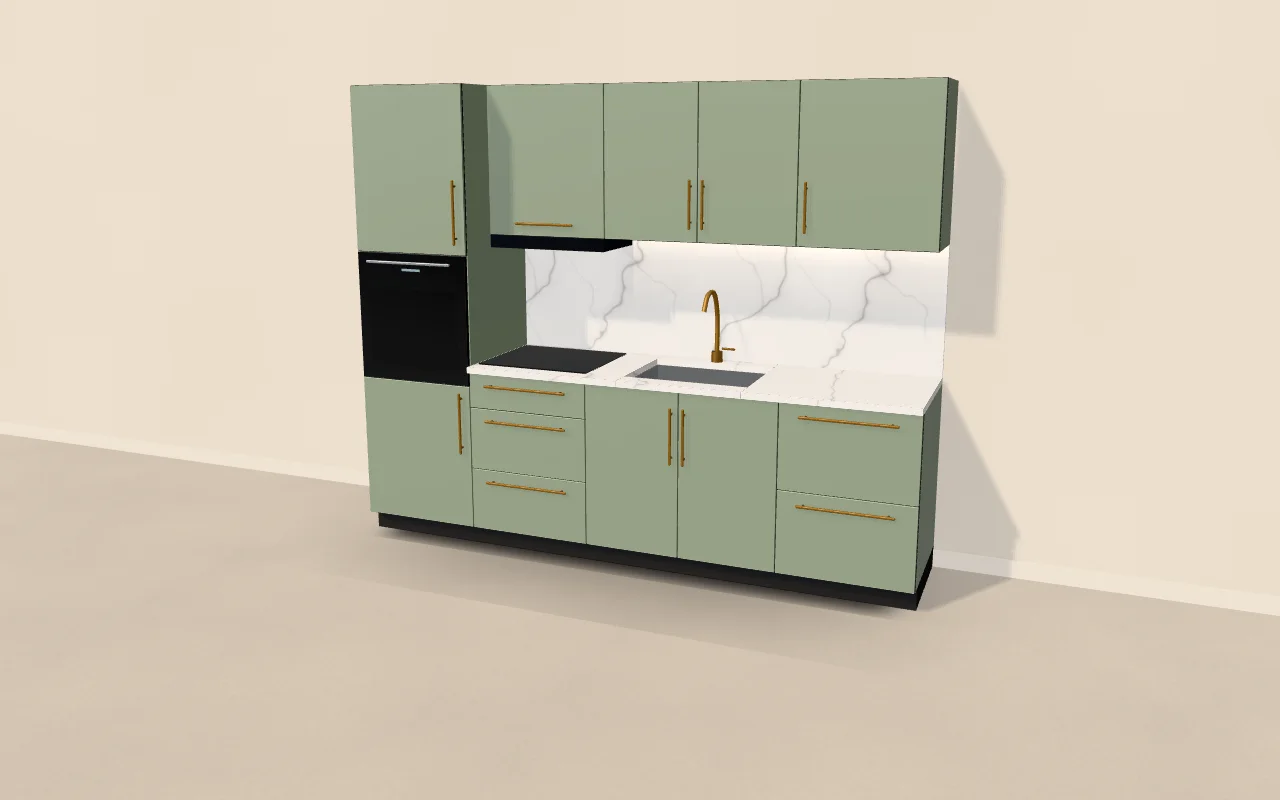 Sample design
Your client will see your design exactly like this.
Book a demoFrom an empty room to a designed one
Drag the line in the middle. Both pictures are our team's renders.
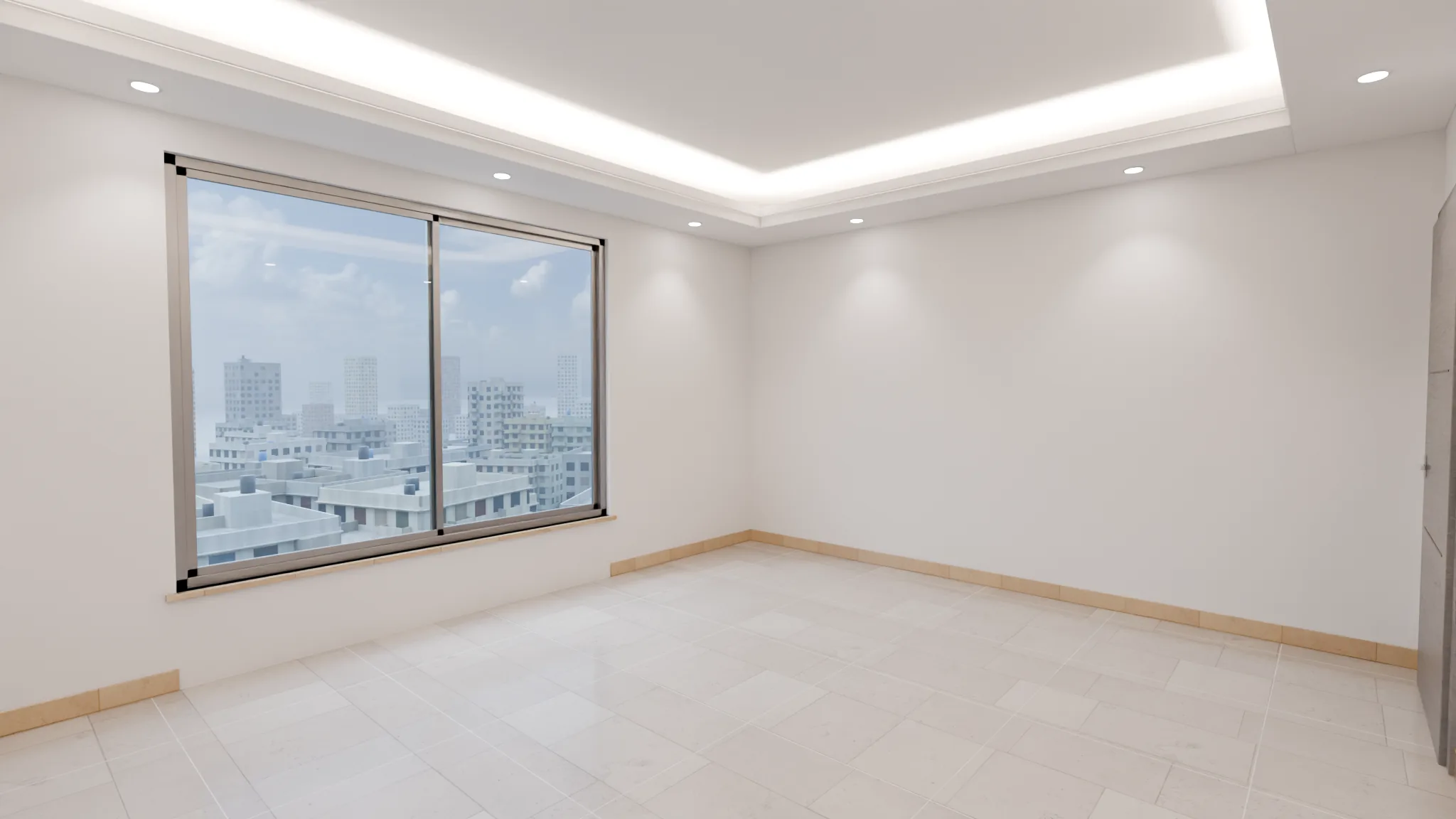
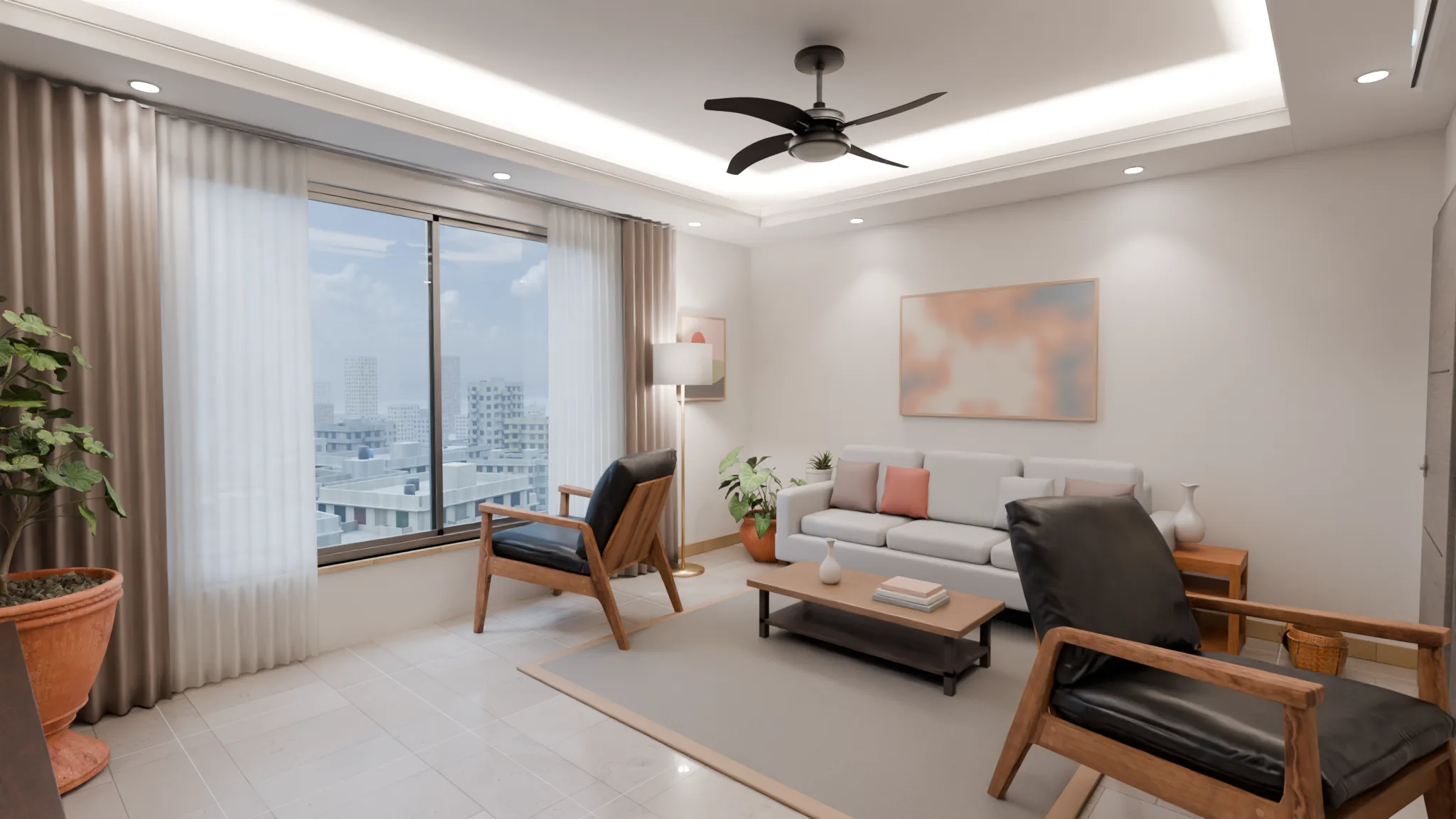 BeforeAfter
Your client sees the result before the work starts.
Book a demoWhat you get
A demo of this runs on this page.
360 room tour
Stand in every designed room and look around. Move from one room to the next.
Option switching
Floor, wall colour, wood finish: two or three options, one tap each.
A link for your client
Send it on WhatsApp. Your client looks at home, with the whole family.
Taking pilots
We can deliver this, starting as a pilot.
Full scale in the empty flat
The 3D demo for phones runs on this page. Seeing the design at real size in the empty room, wearing a Quest headset, is a pilot, starting with the first 2 firms.
Everyone in one meeting
One person in the headset, the rest see the same view on a TV or a phone. The designer controls it from a tablet.
Why it helps
Clients say yes knowing what they get.
They see the sizes and the space for themselves, before work starts.
The options are on the table.
Marble or wood, light or dark. The client switches and chooses.
It shows your design.
We do not redesign anything. We build from your files.
No headset needed.
The phone tour needs nothing bought.
How it works, in 3 steps
Send the 3D file.
SketchUp or 3ds Max files are the easiest.
We build the tour and add the options.
You review and correct it.
Send your client the link.
Or show it yourself in a meeting.
One link, every screen
Nothing to install. Send the link on WhatsApp and it opens.
- Phone
- Tablet
- Laptop or TV
- VR headset
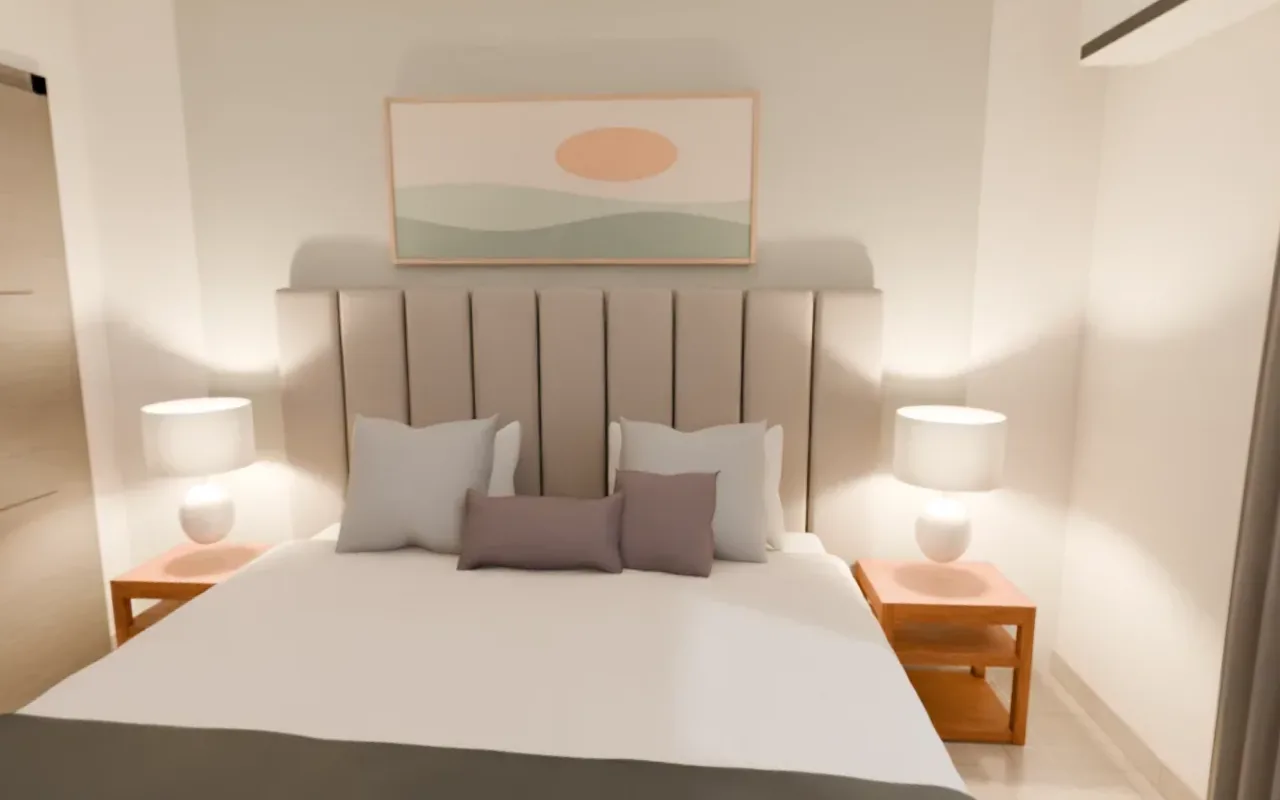
Our own team does the work
Our team built this bedroom. It is our own render, not a stock photo.
This team is building VR training for an international development organisation.
We do not make up numbers about how much sales will rise. We measure them in a pilot.
Try it nowQuestions
We already deliver renders. How is this different?
A render is a picture from one spot, facing one way. Here the client stands in the middle of the room, looks all around, walks from room to room and switches options.
Which software files do you need?
SketchUp or 3ds Max is the easiest. For other software, we look at the file and tell you.
Do we need to buy a headset?
Not for the phone tour. Showing the design at full scale in the empty flat needs a Quest headset. We work out together how that happens in the pilot.
Does the headset work in every flat?
No. Not in a room with direct sunlight or where the window glass is not in yet. There we show it on a tablet.
What does it cost?
We send a written quotation based on the number of rooms and options. See the demo first.
How long does it take?
It depends on the number of rooms. Once we see the files, we put a deadline in writing.
Do our design files stay private?
Your files are used only for your work. We do not show them to anyone else.
Book a demo
Fill in the form and our team will call to set a time. The demo is free.